Git & GitHub Cheat Sheet: Essential Commands and Beginner Guide

Veda Salkar Last updated on 9 July 2026
Imagine you are writing a complex novel. Every time you finish a chapter, you want to save a version of it so that if you make a mistake in the next chapter, you can go back to exactly how it was before.
Now, imagine you are writing this novel with ten other authors simultaneously. You need a way to merge everyone's sentences together without overwriting each other's work. This is exactly what GitHub does, but for software code instead of novels.
To understand GitHub, you first need to understand Git. Git is a Version Control System, a tool that tracks every small change made to a file.
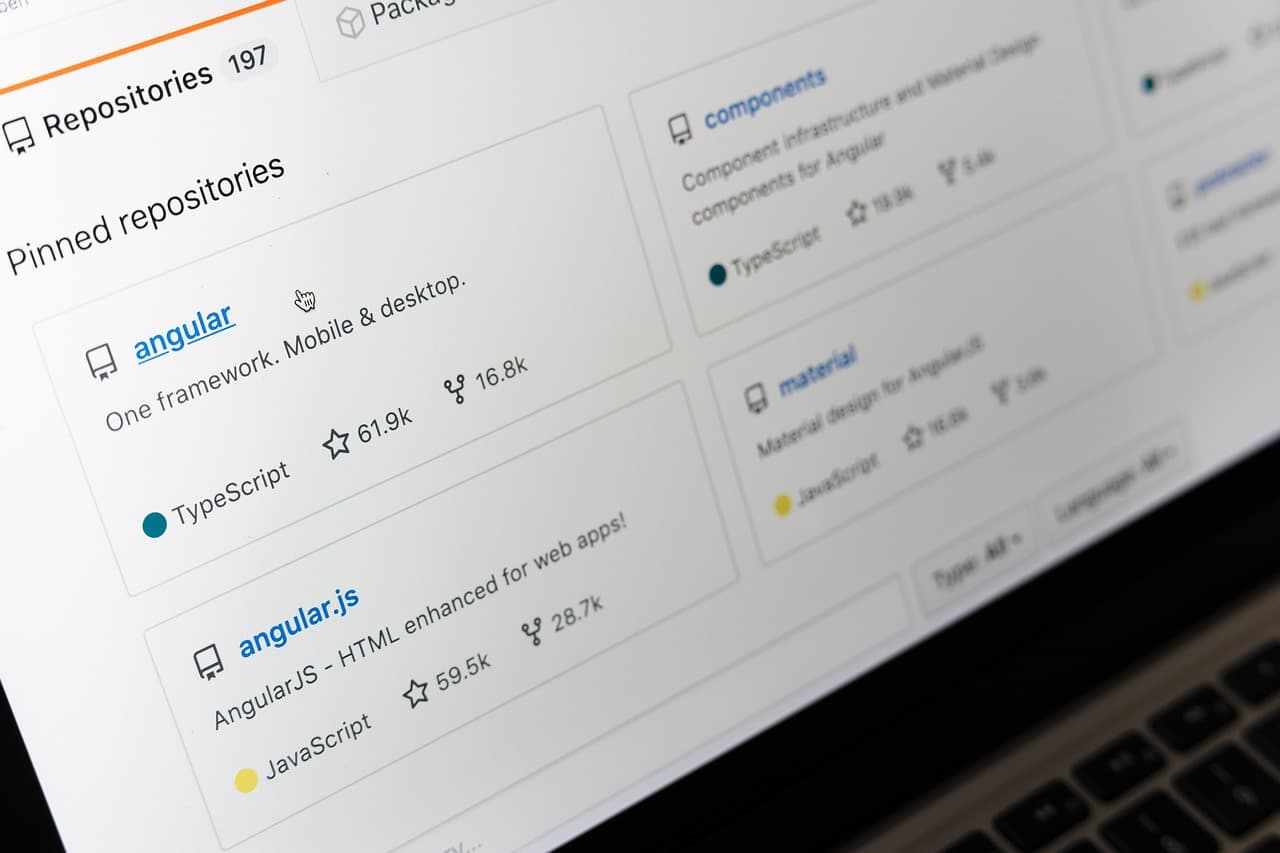
GitHub is the cloud-based platform that hosts these Git projects. While Git is the engine that tracks changes, GitHub is the garage where you store your car and show it off to the world. It is the world’s largest hosting service for software development, providing a social interface where developers can share, review, and collaborate on code from anywhere across the globe.
Git = tracks changes (version control system)
GitHub = hosts your Git projects online
Think of it as:Git = engineGitHub = cloud storage + collaboration
Why GitHub is Essential for Modern Development
GitHub has become the industry standard for several critical reasons.
First and foremost is collaboration. In the professional world, software is rarely built by a single person. GitHub allows multiple developers to work on the same codebase through branching. One person can work on a new feature while another fixes a bug, and their work can be merged seamlessly later.
Beyond collaboration, GitHub acts as a professional portfolio. For developers, a GitHub profile is often more valuable than a traditional resume. It shows:
Code quality
Consistency
Contribution history
Collaboration skills
It also provides safety, your code is stored in the cloud, so you won’t lose it if your computer crashes.
Finally, GitHub enables open-source development, allowing anyone to contribute to major projects like Linux, React, or VS Code, driving global innovation.
Everyday Workflow:
git status          # Check changes
git add .           # Stage changes
git commit -m "msg" # Save snapshot
git push            # Upload to GitHub
Essential Commands:
Setup & Clone
git init                # Start repo
git clone <url>         # Copy repo locally
Tracking Changes
git status              # See file states
git add <file>          # Stage one file
git add .               # Stage everything
git restore <file>      # Undo changes
Saving Work
git commit -m "message" # Save snapshot
git log                 # View history
Syncing with GitHub
git push                # Upload changes
git pull                # Download changes
Branching
git branch              # List branches
git checkout -b <name>  # New branch + switch
How to Initialize a New Project with Git and GitHub:
When you want to upload a local project to GitHub for the first time:
Create a new repository on GitHub(Do not initialize it with a README if you already have code)
Open your terminal in the project folder and run:
git init
git add .
git commit -m "first commit"
git branch -M main
git remote add origin <url>
git push -u origin main
What each step does:
git init - Starts tracking your project
git add . - Prepares all files
git commit - Saves a snapshot
git branch -M main - Sets main branch
git remote add origin - Links to GitHub repo
git push -u origin main - Uploads your code
Decoding Git Status Messages:
Running git status gives you insight into what’s happening in your project.
"Changes not staged for commit"
This means:
You modified files
Git is tracking them
But you haven’t added them to the next commit yet
Example:You edit a file > Git notices > but waits for you to run git add.
"Untracked files"
This means:
Files exist in your folder
Git is not tracking them yet
To include them:
git add <file>or
git add .Official site: https://docs.github.com/en
Related

From Code to Installable Software: How to Package a React + Python Application
Learn how to turn a React + Python application into a Windows desktop installer. This guide explains the packaging process using React, FastAPI, PyInstaller, Electron, and electron-builder, from building the backend and frontend to creating and testing the final .exe installer.
Why Developers Love shadcn/ui for Modern Frontend Development
Explore how shadcn/ui simplifies frontend development by offering accessible, customizable components that you own and control within your own codebase.

Industrial Sensor Data Visualization: Charts That Reveal What Matters
Master the essential chart types for sensor data analysis, including line charts, 3D scatter plots, and surface plots to unlock insights from IoT data streams.

The Digital Gateway: Understanding the Power of SEO
Learn why Search Engine Optimization (SEO) is the backbone of digital visibility and how it propels your website to the top of Google search results.
Django v/s FastAPI
A comprehensive comparison of Django and FastAPI, analyzing their architectures, performance metrics, and specific use cases to help you choose the right Python