Portfolio Animation Techniques

Veda Salkar Last updated on 15 April 2026
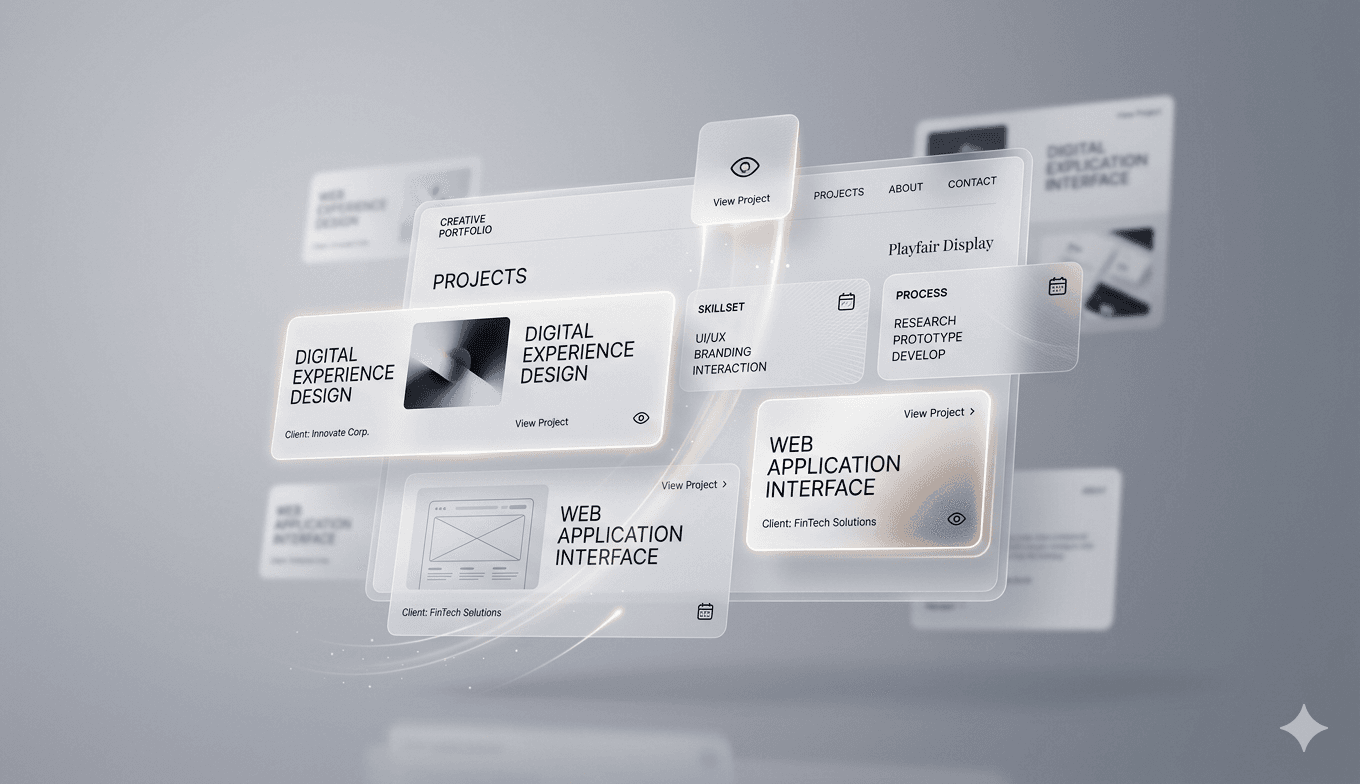
The Strategic Role of Motion in Portfolios
In the competitive landscape of digital portfolios, animation is not merely a decorative element; it is a powerful tool for storytelling and user guidance. When implemented correctly, motion design can direct a visitor's attention to your most impressive work, establish a cohesive brand identity, and create a memorable, premium experience that distinguishes you from the crowd.
Essential Animation Techniques
To achieve a professional look, focus on subtle, purposeful transitions rather than chaotic effects. Here are the core techniques to master:
Staggered Reveal Animations: As users scroll through your project list, reveal elements with a slight delay. This creates a rhythmic, sophisticated flow that keeps the viewer engaged.
Micro-interactions on Hover: Use gentle scale, opacity, or shadow depth changes when a user interacts with project thumbnails. This provides immediate visual feedback and confirms the interactivity of your design.
Page Transitions: Seamlessly animate the transition between your landing page and individual case studies to maintain a sense of continuity, reducing the cognitive load on the user.
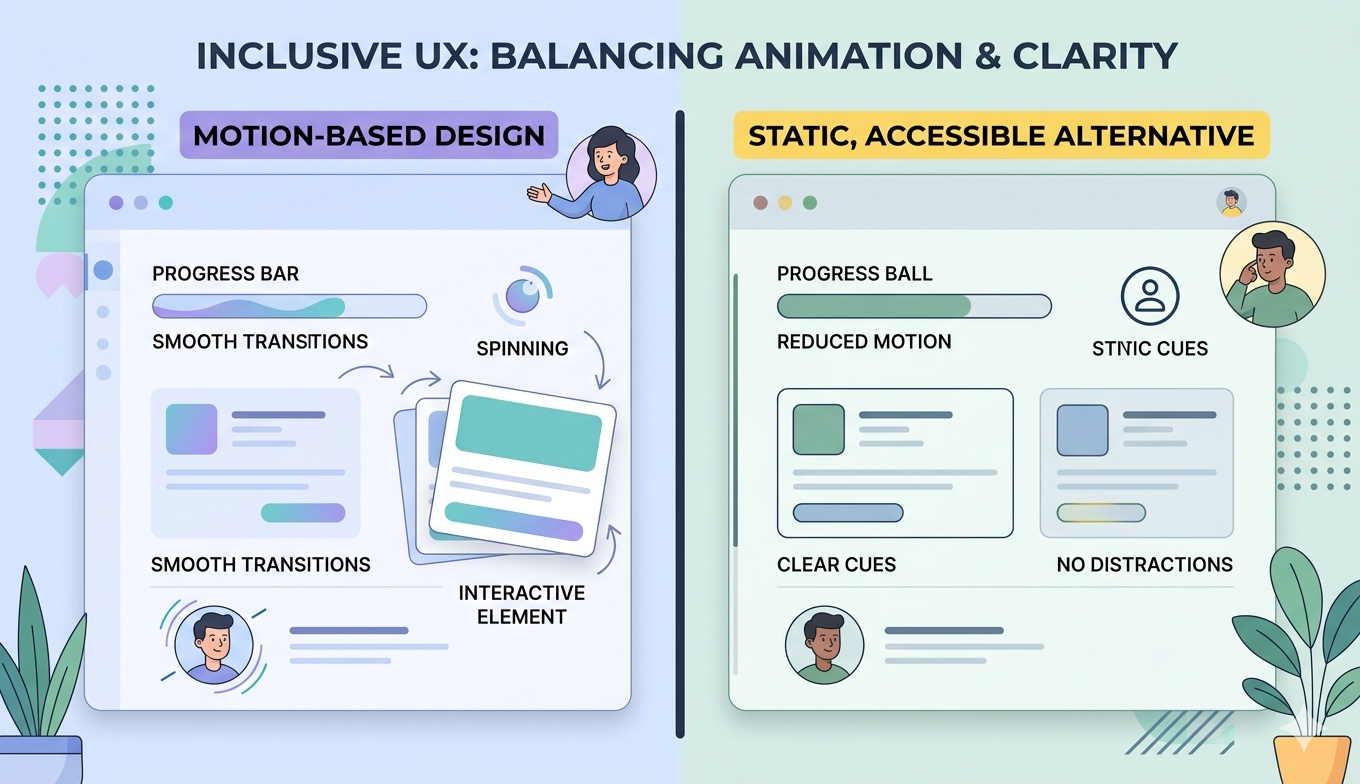
Performance and Accessibility Considerations
While animations can be visually stunning, they must not come at the cost of performance. Over-animating can lead to sluggish load times and accessibility issues. Always prioritize the following best practices:
Respect User Preferences: Always check for 'prefers-reduced-motion' media queries. If a user has requested reduced motion in their OS settings, disable or simplify your animations accordingly.
Optimize Assets: Use lightweight formats like Lottie or CSS-based animations rather than heavy video or GIF files to ensure your portfolio remains lightning-fast.
Keep it Meaningful: Ensure every animation has a purpose. If it doesn't help the user navigate or understand your work better, it is likely clutter.
Final Thoughts on Motion Design
Great portfolio animation is invisible; it feels natural and responsive. By focusing on subtle easing, consistent timing, and user accessibility, you can create a digital space that feels polished and professional. Remember that your goal is to showcase your work, not to distract from it. When used with restraint, motion becomes the silent advocate for your design expertise.
Related
From Code to Installable Software: How to Package a React + Python Application
Learn how to turn a React + Python application into a Windows desktop installer. This guide explains the packaging process using React, FastAPI, PyInstaller, Electron, and electron-builder, from building the backend and frontend to creating and testing the final .exe installer.
Git & GitHub Cheat Sheet: Essential Commands and Beginner Guide
A beginner-friendly guide to Git and GitHub covering essential concepts, core commands, branching workflow, and step-by-step setup instructions to help developers manage and collaborate on code efficiently.
Why Developers Love shadcn/ui for Modern Frontend Development
Explore how shadcn/ui simplifies frontend development by offering accessible, customizable components that you own and control within your own codebase.
Industrial Sensor Data Visualization: Charts That Reveal What Matters
Master the essential chart types for sensor data analysis, including line charts, 3D scatter plots, and surface plots to unlock insights from IoT data streams.
The Digital Gateway: Understanding the Power of SEO
Learn why Search Engine Optimization (SEO) is the backbone of digital visibility and how it propels your website to the top of Google search results.